Internal · screen index
Every screen the customer sees
These use the same components as the real customer flow. Edit src/components/visualizer/parts.tsx and changes appear here and in the live experience.
1 · Upload your selfie
src/routes/index.tsx · stage === 'idle' upload card
Step 1
Upload a clear selfie
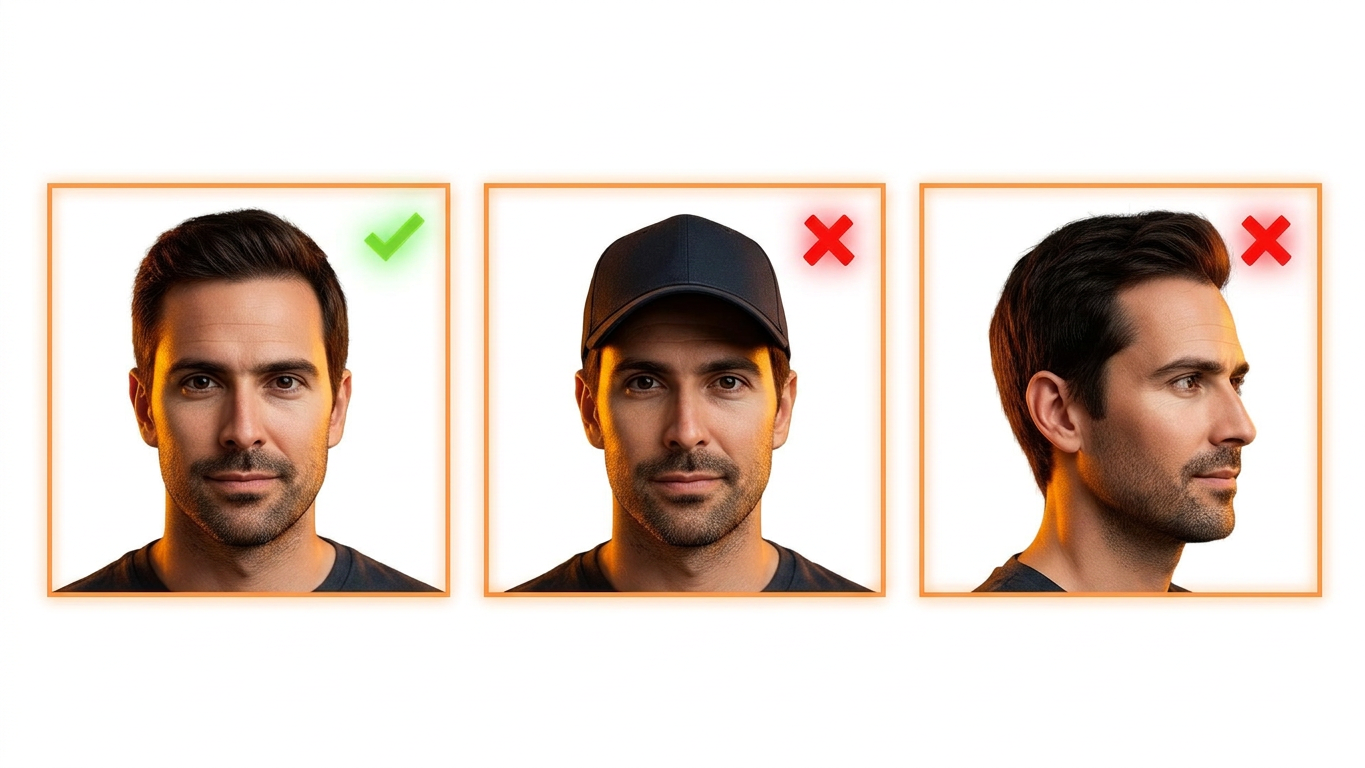
Your photo is never stored.
2 · Choose your style (interactive)
src/components/visualizer/parts.tsx · HairlinePicker, Segmented — edit there
3 · Generating preview
src/components/visualizer/parts.tsx · LoadingMessages — edit the rotating copy there
Cooking up your hairline
Hang tight — this takes about a minute.
4 · Result — paid (full preview)
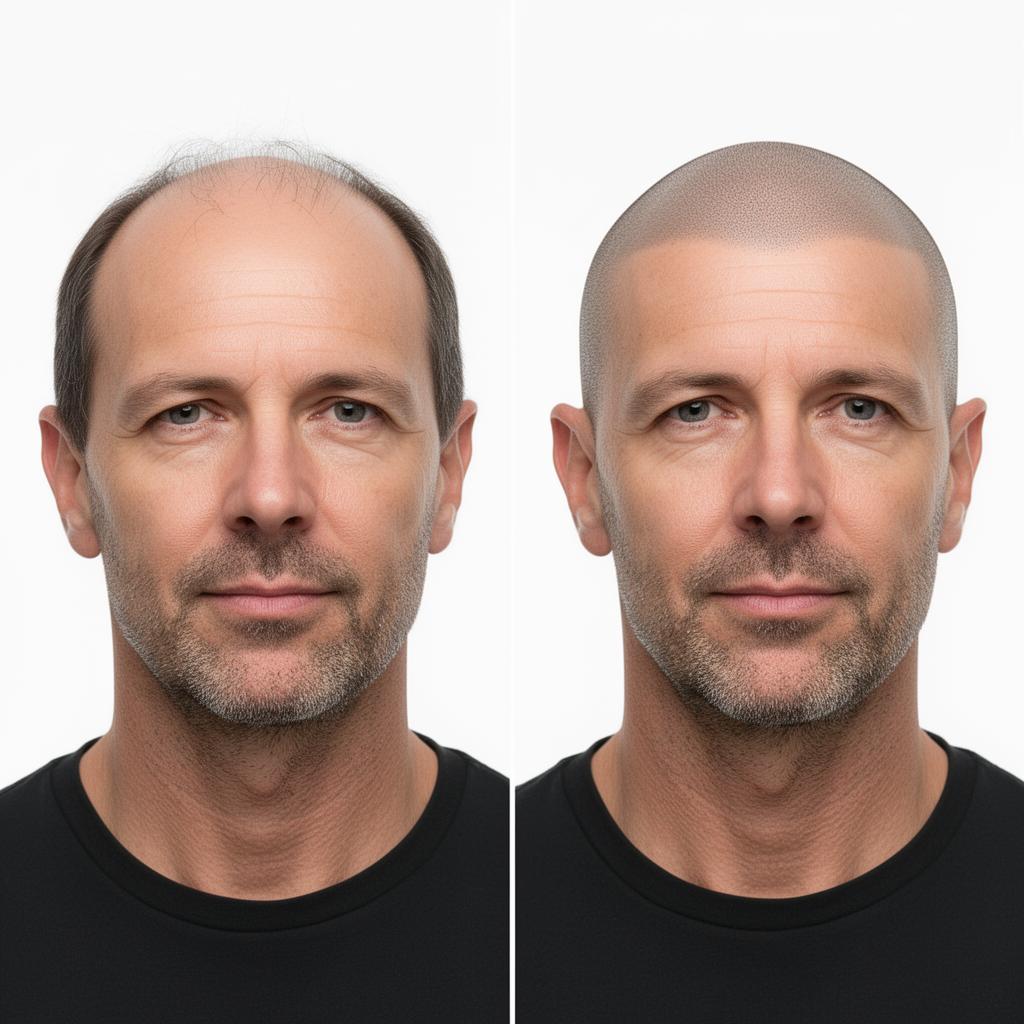
src/components/visualizer/parts.tsx · BeforeAfter slider — edit there
Here's your preview.
Medium density · Natural hairline · Full coverage · Soft blend
Drag to compare
Heads up — we don't save your photo
Once you leave this page it's gone for good. Screenshot it, download the Before & After, or email it to yourself so you've got it for later.
4b · Result — free preview (watermarked)
src/components/visualizer/parts.tsx · FreePreview + WatermarkLockup
BeforeAfterThis is a free, half-resolution watermarked preview.
Buy 10 full previews for $49 to download a clean, full-resolution image.
5 · Post-purchase return (?paid=1)
src/routes/index.tsx · paid=1 effect — fires a toast, no dedicated screen
Currently
Stripe redirects to /?paid=1
A success toast fires ("Payment received — credits added") and the credit count refreshes. There is no dedicated thank-you screen yet — ask if you want one built.